
View and filter
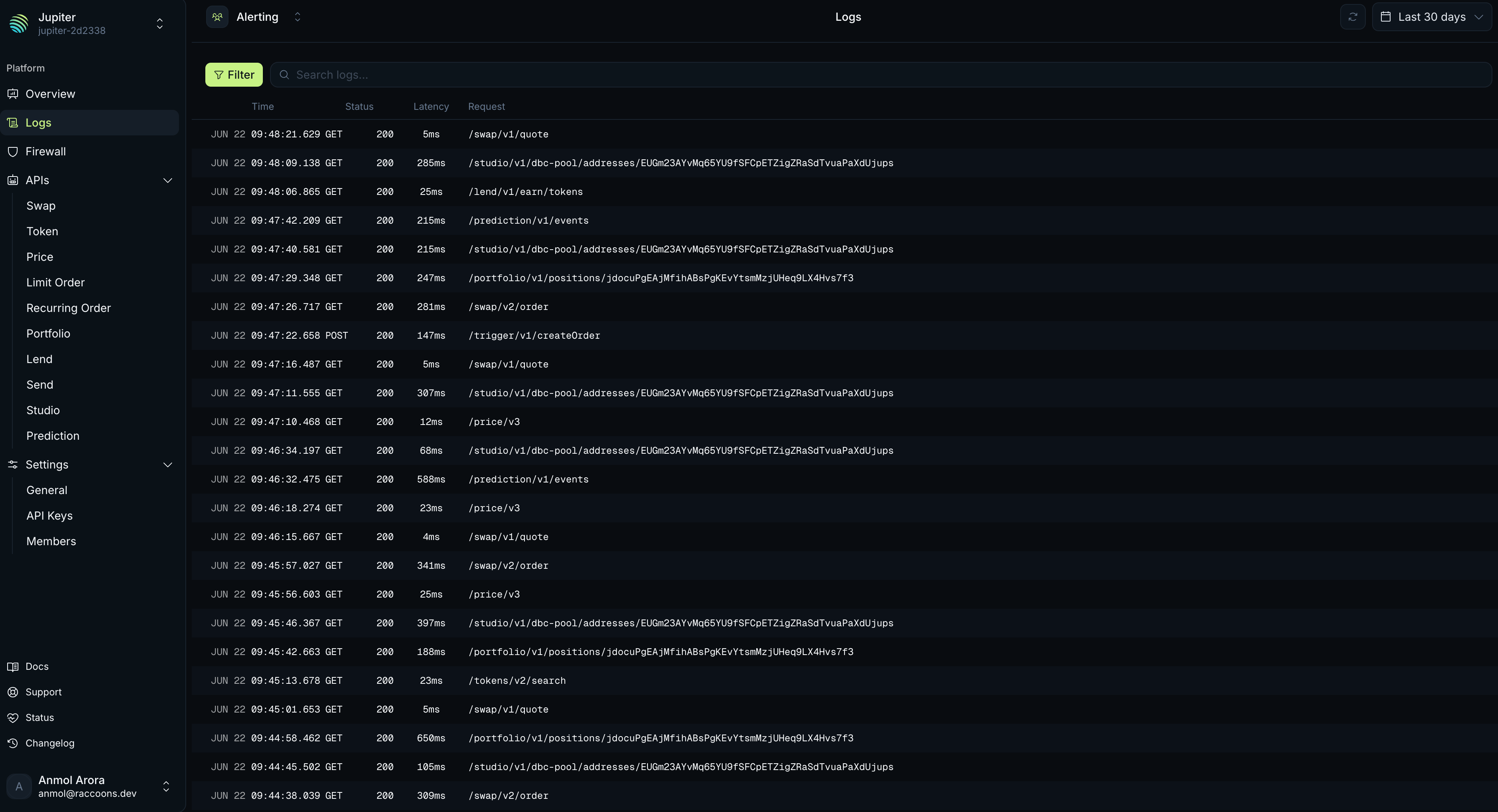
Logs are scoped to a team and listed newest first, with cursor-based pagination. Filter the list by:- Status Code
- Method
- API Group
- Path
Request detail
Select a request to open its detail panel. The panel shows the full record for that request, including the firewall decision and the rules that matched.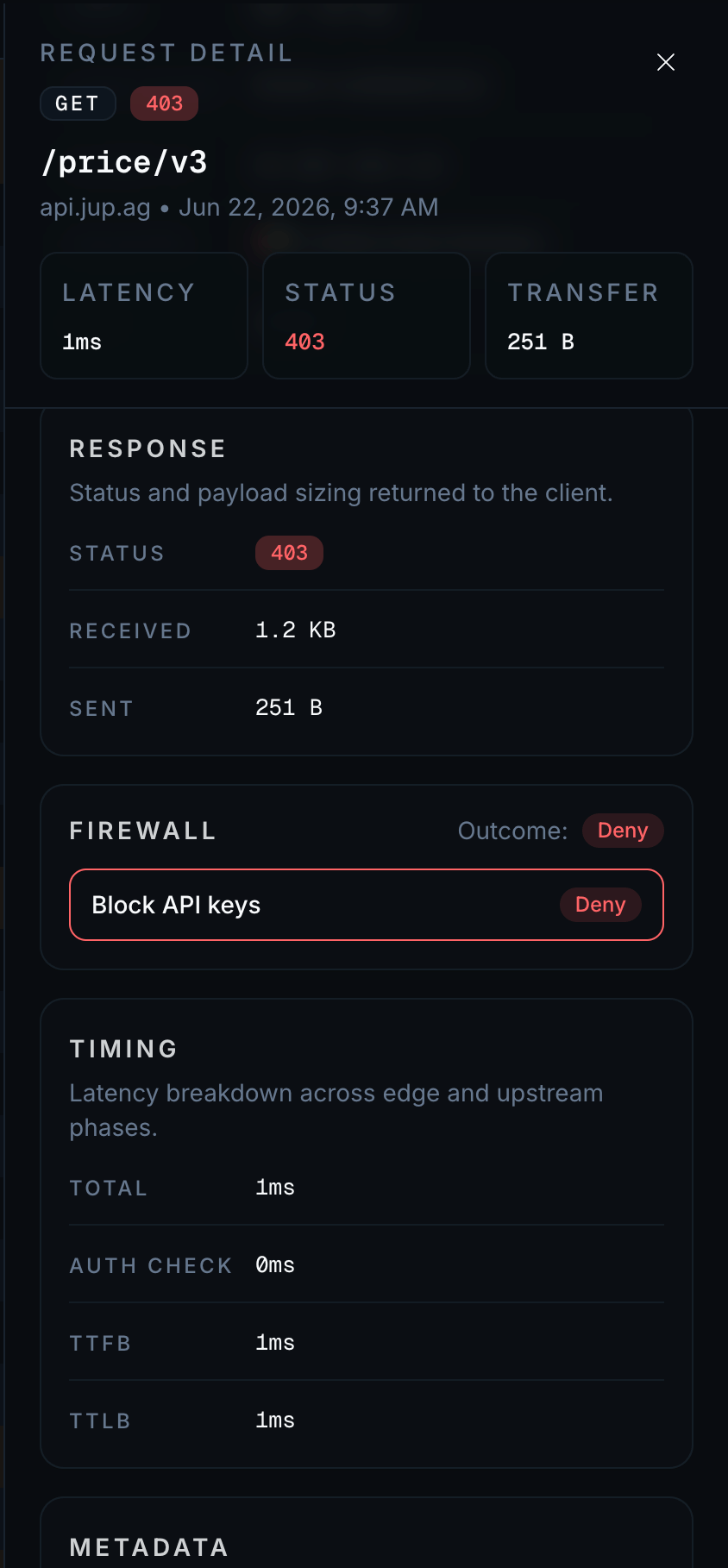
Field reference
Each log entry records:| Field | Description |
|---|---|
| Timestamp | When the gateway received the request. |
| Request ID | Unique ID for the request. |
| Client IP | The caller’s IP address. |
| ASN | The caller’s autonomous system number. |
| Country | The country the request came from. |
| Host | The host the request was sent to. |
| Referrer | The referrer header, if sent. |
| User agent | The user-agent header. |
| Method | The HTTP method. |
| Path | The URI path and query string. |
| Status | The HTTP status code returned. |
| Bytes sent / received | Response and request sizes. |
| Credits consumed | Credits the request cost. |
| Latency | Total time, broken into auth, time to first byte, and time to last byte. |
| Firewall | The outcome and the rules that matched. |
Retention
Request logs are kept for 6 months.Related
Analytics
Aggregate traffic, performance, and cost across requests.
Firewall
See the rules behind the firewall decisions in your logs.
Response Codes
What each HTTP status in the logs means.
Plans and Pricing
How credits are counted per endpoint.